Since 2007 · 500+ installations

Four ways to run your queue.
One system that does all of them.

Print a ticket at the counter, or let customers join by WhatsApp before they arrive. Register guests for an event and open the door with their QR. Scan staff badges at the tribar. Qsystem covers every one of these — on your own server or online.

On-site installation KL · Penang · JB support Works offline
Wait time reduced
70%
Average across clients
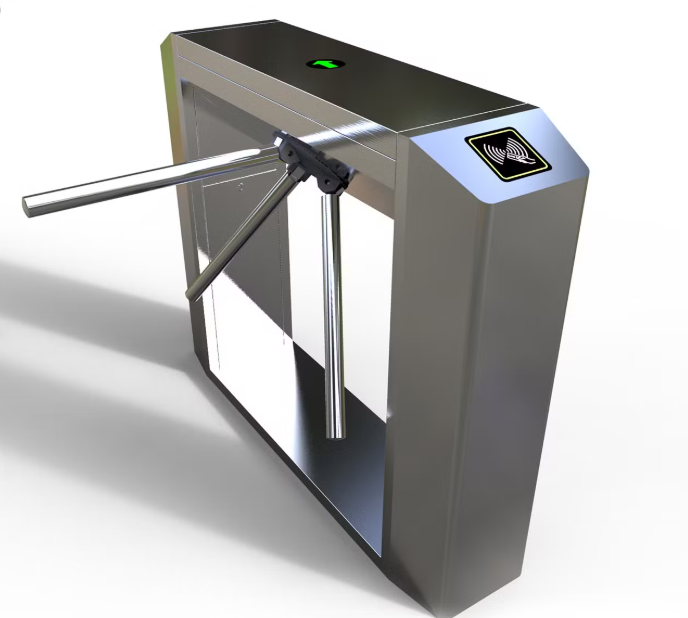
Queue ticket kiosk and QTP-150 counter-top ticket printer Tripod turnstile tri-bar access gate controlled by QR and badge scanning
Installed
500+
Across Malaysia
Clinics & Hospitals Government Offices Banks & Telcos Service Centres Universities F&B
The Qsystem Range

Four products. Pick the one that fits how you work.

Each product stands on its own — and they share the same hardware, the same BMO devices and the same support team. Start with one, add the others later.

1
Hardware + Server

Qsystem On-Premise Queue Management Suite

The full counter setup, running inside your building. A QTP ticket printer or kiosk issues numbers, the Queue Manager calls them, QDisplay shows them on the TV and QCaller handles simple calling — all talking to one Queue Manager.

  • Ticket from QTP printer, Windows kiosk or the BMO App on a tablet
  • Or run a QTP standalone — a plug-in number printer, no server
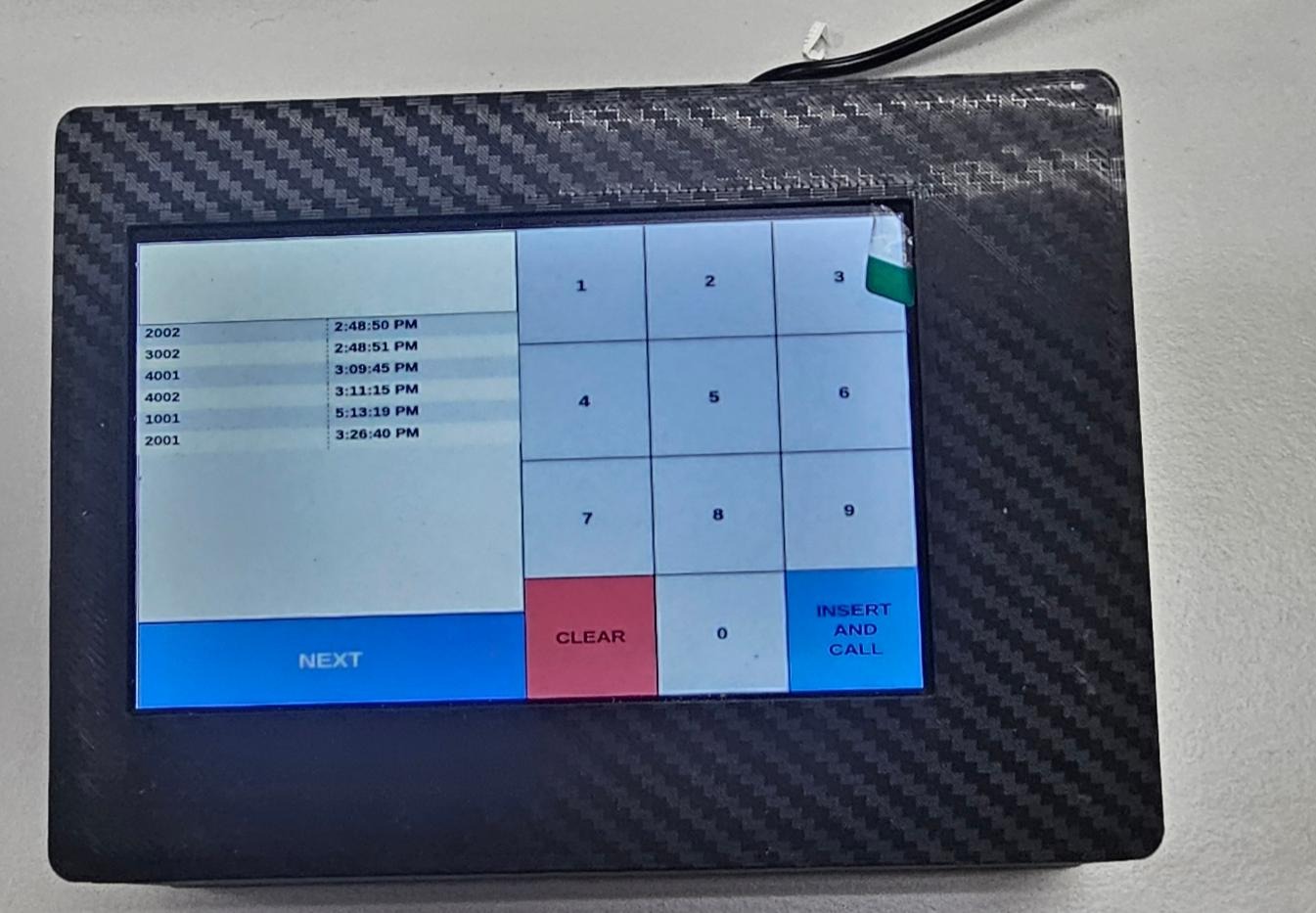
  • Queue Manager for Windows, Android tablet, or the browser
  • Call, create, cut and push queue numbers between counters
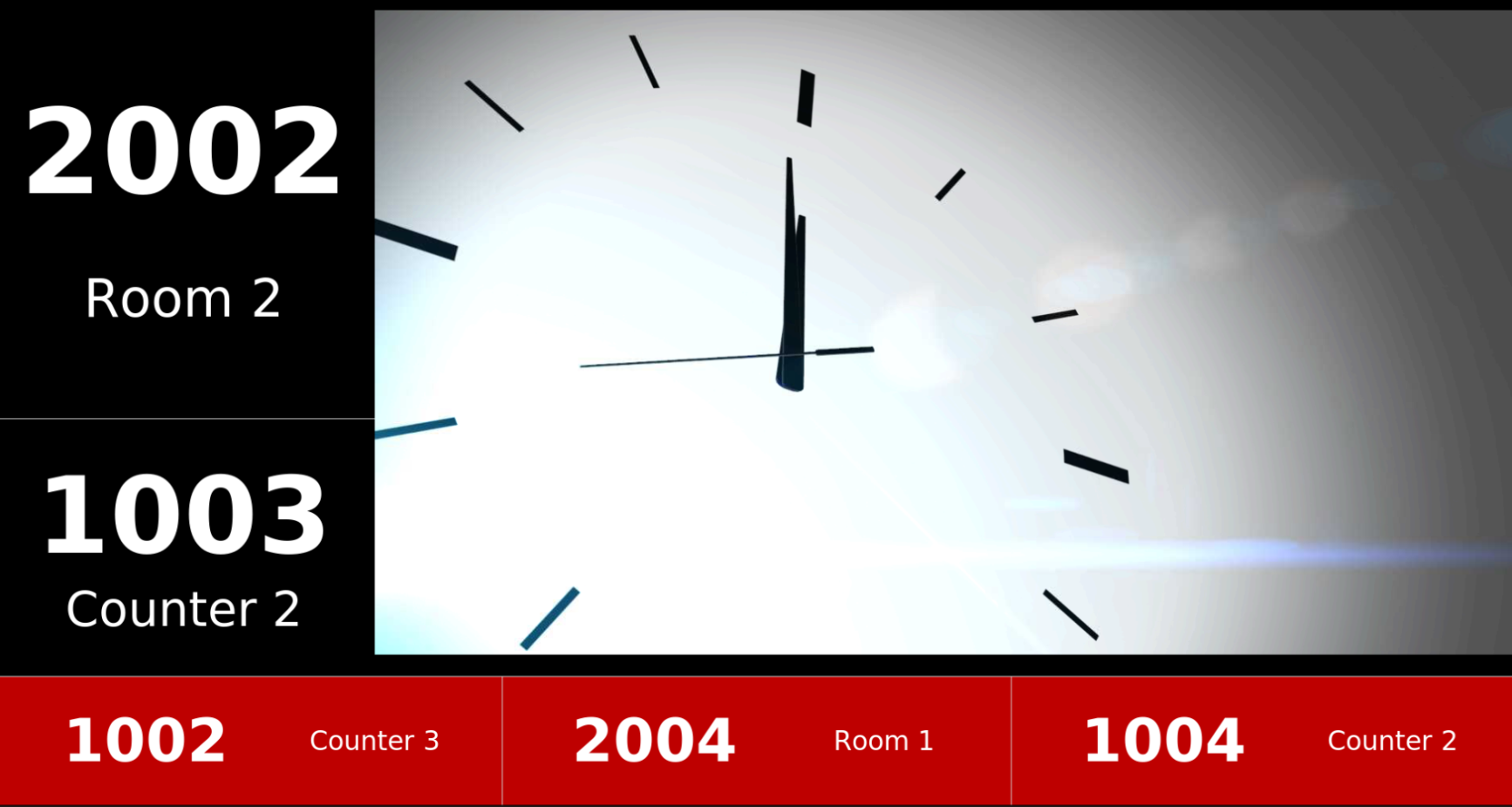
  • Multiple TV displays with selectable layouts and voice
  • Numbers reset daily · multiple ticket-type buttons
  • Runs on your own MySQL / WAMP server — no internet needed
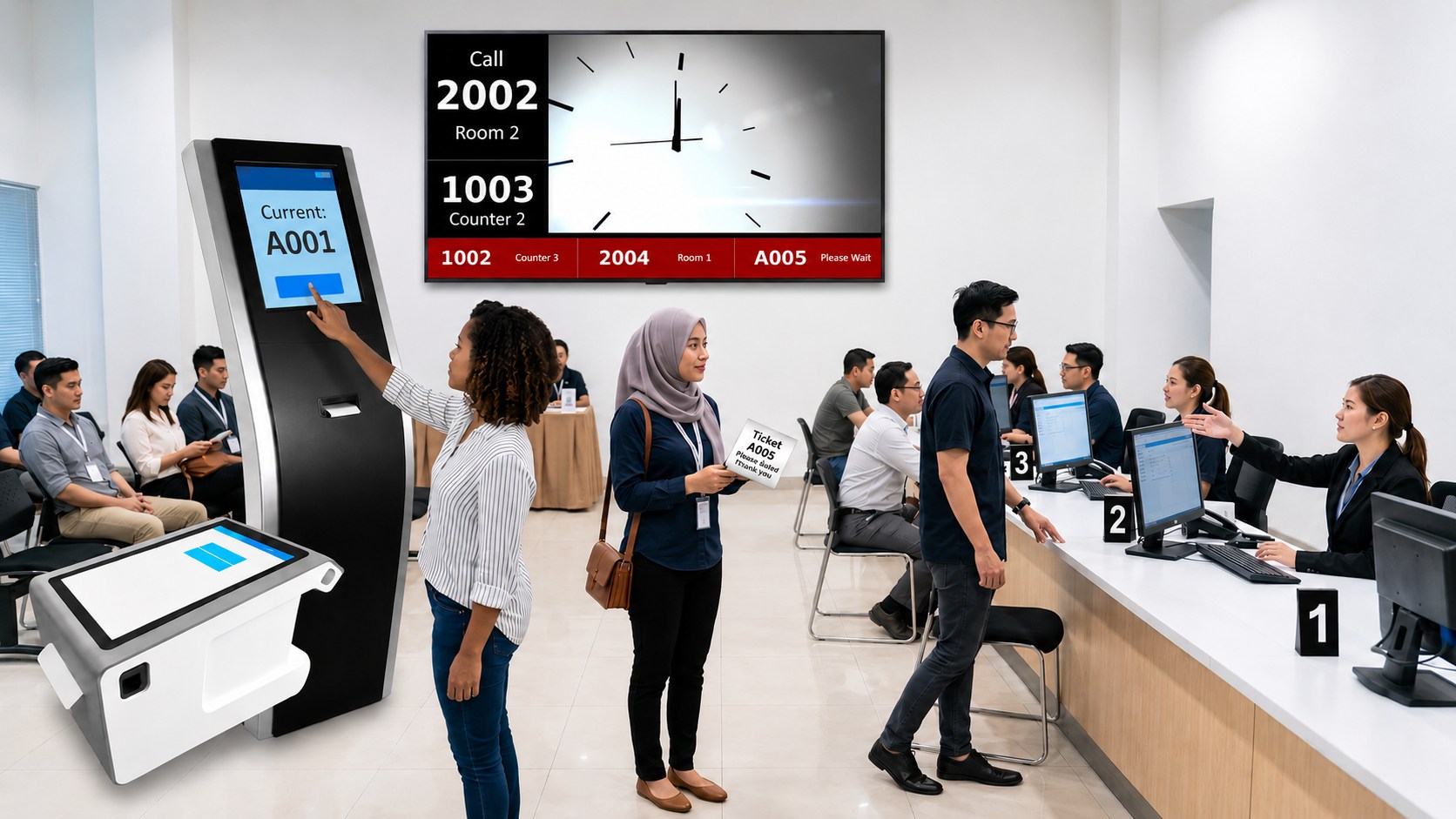
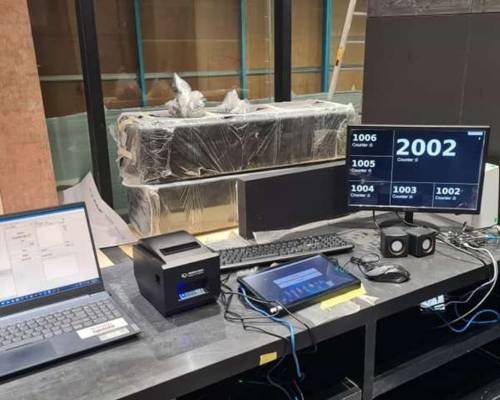
Tap to enlarge On-premise queue system in a service hall: ticket kiosk and counter-top printer, a QDisplay TV calling 2002 to Room 2 and 1003 to Counter 2, a customer holding printed ticket A005, and staff serving at numbered counters
3
Events

Qsystem Event Registration & Door Access Control

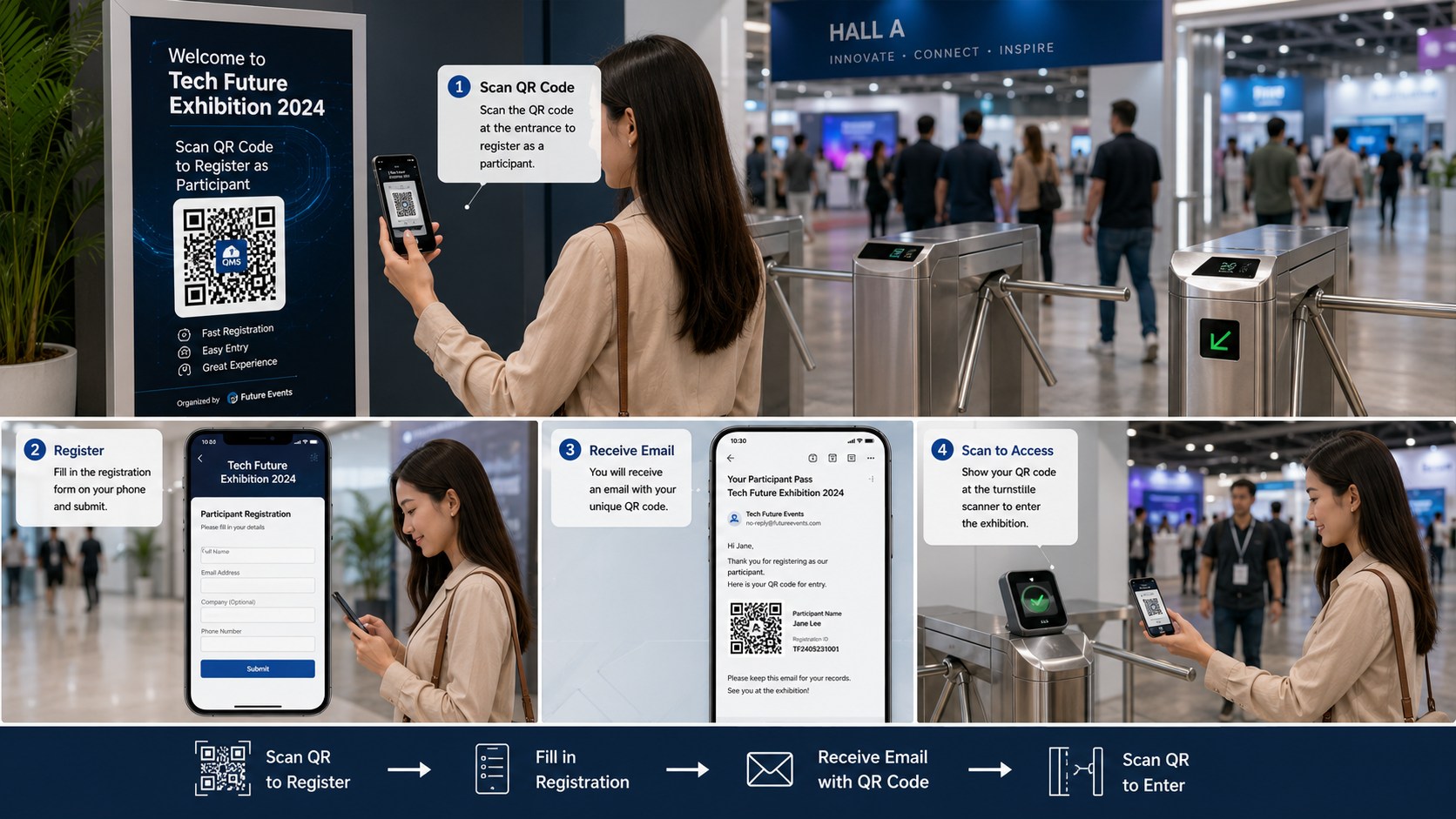
Set up an event online and you get two QR codes: one to configure the scanner device, one for guests to register. Guests receive a QR by email — scanning it at the door records live attendance and releases the tribar.

  • Create the event in the BMO web app — QR codes generated for you
  • Set up a BMO TF or a QTP as the event scanner in seconds
  • Guests register by QR and get their entry QR by verified email
  • Parent and child events — guests pick the session they want
  • Scan at the door: attendance recorded online, live
  • Successful scan opens the tribar or door access
Tap to enlarge Four-step event flow: scan the QR on the entrance signage to register, fill in the participant registration form on a phone, receive an email holding a unique QR pass, then scan it at the turnstile to enter the hall
4
HR

Qsystem Employee Attendance & Tribar System

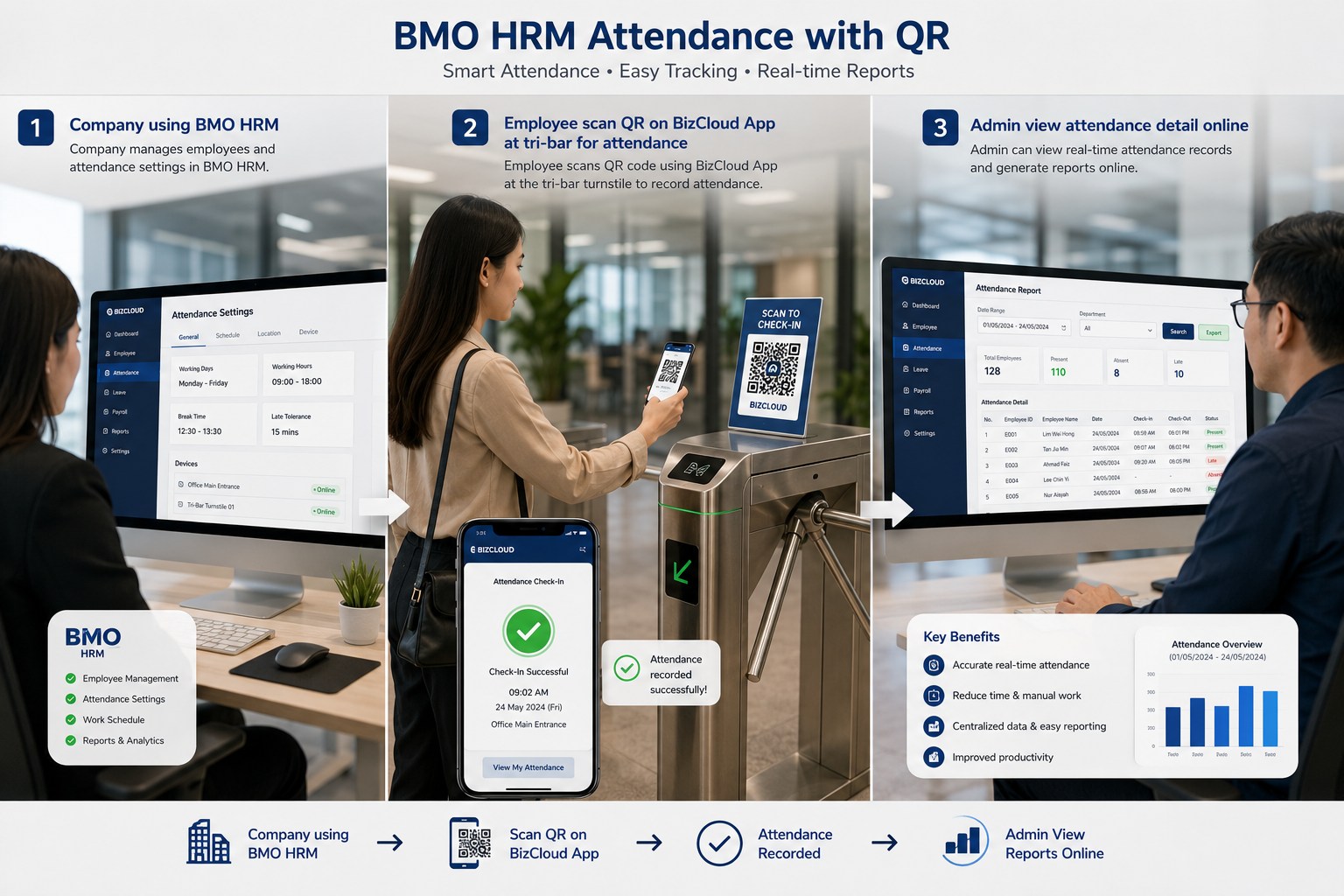
The same scanner hardware, pointed at your staff. Set a BMO TF to badge-attendance mode, or use the Android / iPhone app. Employees scan their badge, the tribar opens, and the clock-in is posted online as daily attendance.

  • Key in your company code, sync once, pick badge-scanner mode
  • Scan employee badges to release the tribar or door
  • Attendance sent online as daily attendance automatically
  • Android and iPhone app option — no fixed terminal needed
  • Attendance reports available online any time
Tap to enlarge Three-step employee attendance: the company sets working hours and devices in BMO HRM, an employee scans the QR at the tri-bar turnstile to check in, and an admin views the real-time attendance report online
On-Premise Architecture

Everything connects to one Queue Manager

Install as many counters, printers and displays as you need. One Queue Manager — Windows or Android — acts as the server, and every QTP and QDisplay connects to it.

Ticket issuing
QTP Ticket PrinterPulls its button settings from the Queue Manager
Kiosk Ticket GeneratorWindows BMO ticket generator on a kiosk
BMO App on TabletStaff log in and issue tickets by hand
Daily Number ResetNumbering renews every day — set once

 Queue Manager

Windows, Android tablet or web browser. Calls, creates, cuts and pushes queue numbers. Install one per counter — but only one acts as the server.

One acts as the server

QTP printers and QDisplay screens connect here.
MySQL can sit on the same machine, or on its own WAMP server.

MySQL / WAMP ServerOptional for Windows — required for app-based setups
Web Queue ManagerCounters open in a browser, limited by your plan
Display & calling
QDisplay on TVMultiple screens — keep one for sound only
Display LayoutsSeveral layouts, fully configurable
QCallerSimple hardware for calling the next number
Add More AnytimeExtra counters, printers and displays plug straight in
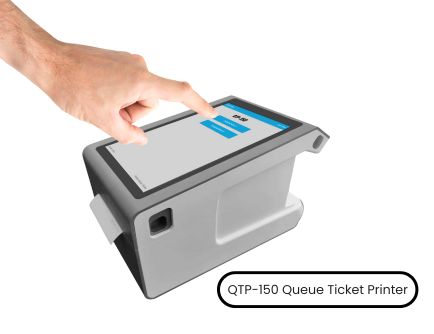
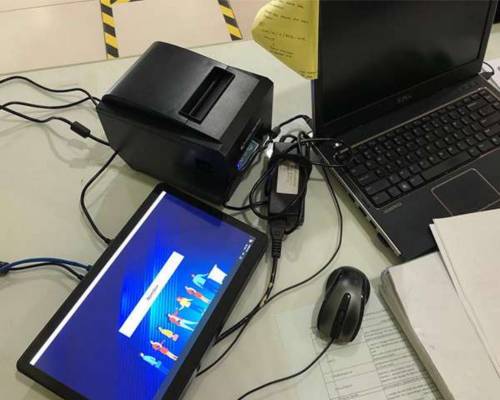
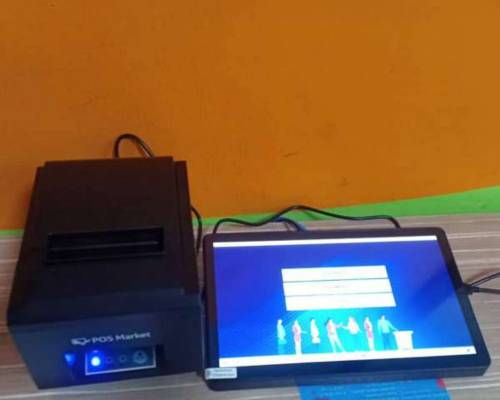
QTP-150 queue ticket printer running standalone, printing running queue numbers with no server, no MySQL and no network

No server at all? The QTP also runs standalone.

Plug in a QTP on its own and it prints running queue numbers straight away — no Queue Manager, no MySQL, no network. There's no counter calling or TV display in this mode; add a Queue Manager later and the same printer joins the full system.

Standalone mode
The Hardware

Built, supplied and installed by us

Every device below is stocked locally and installed by our own engineers across Malaysia and Singapore — not drop-shipped.

QTP-150 queue ticket printer with touch screen
QTP-150 Ticket PrinterTouch to print. Pulls its buttons from the Queue Manager.
Free-standing queue ticket kiosk and counter-top ticket printer
Ticket KioskFree-standing or counter-top, running the BMO ticket generator.
QDisplay queue number layout shown on a TV screen
QDisplay on TVAny TV becomes a queue display. Multiple layouts and voice.
QCaller keypad device for calling the next queue number
QCallerA keypad at the counter for calling the next number.
Tripod turnstile tri-bar access gate for event and staff entry control
Tri-bar TurnstileOpens on a valid event QR or staff badge scan.
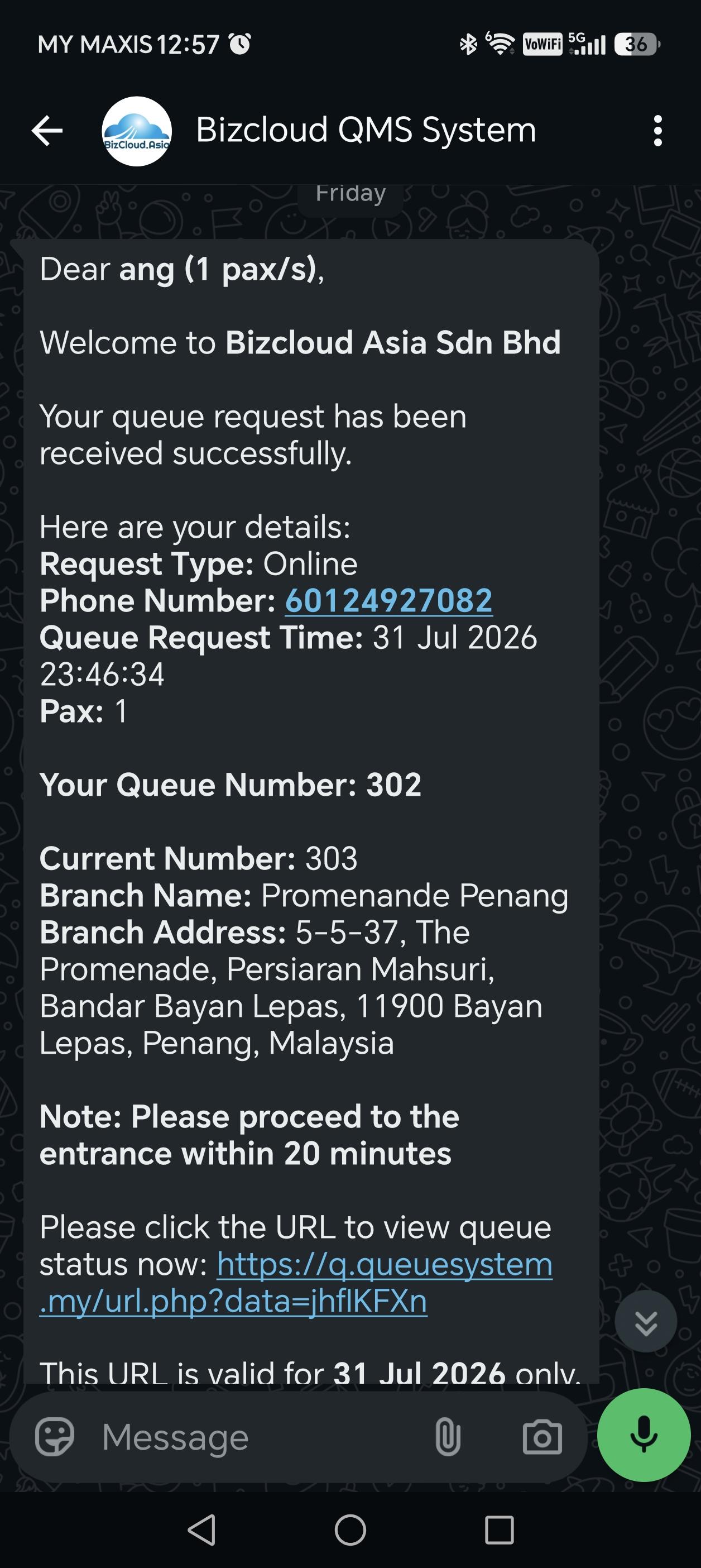
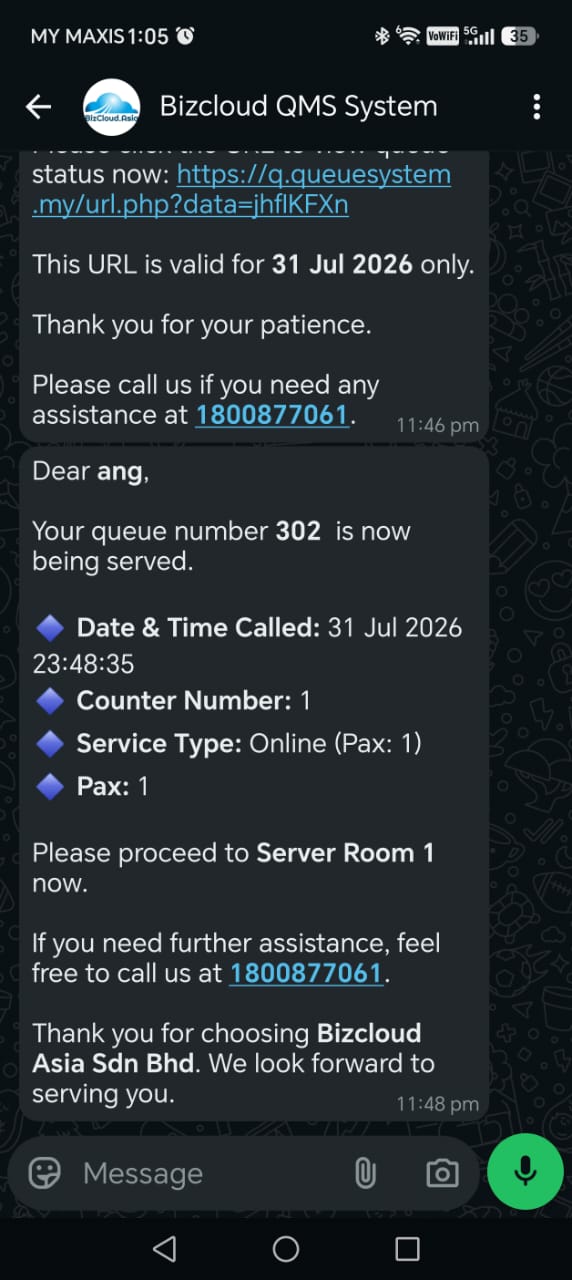
Virtual Queue

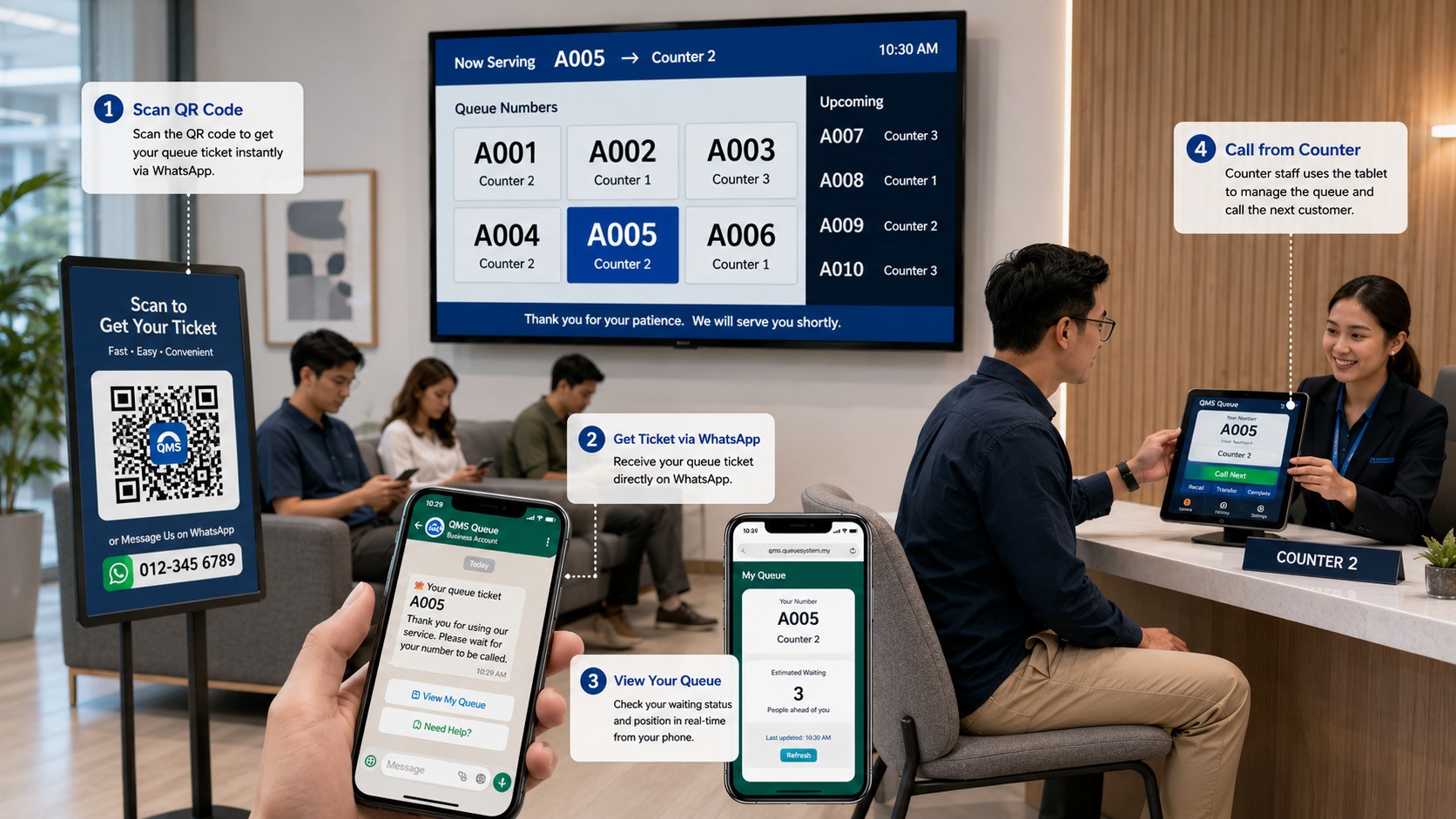
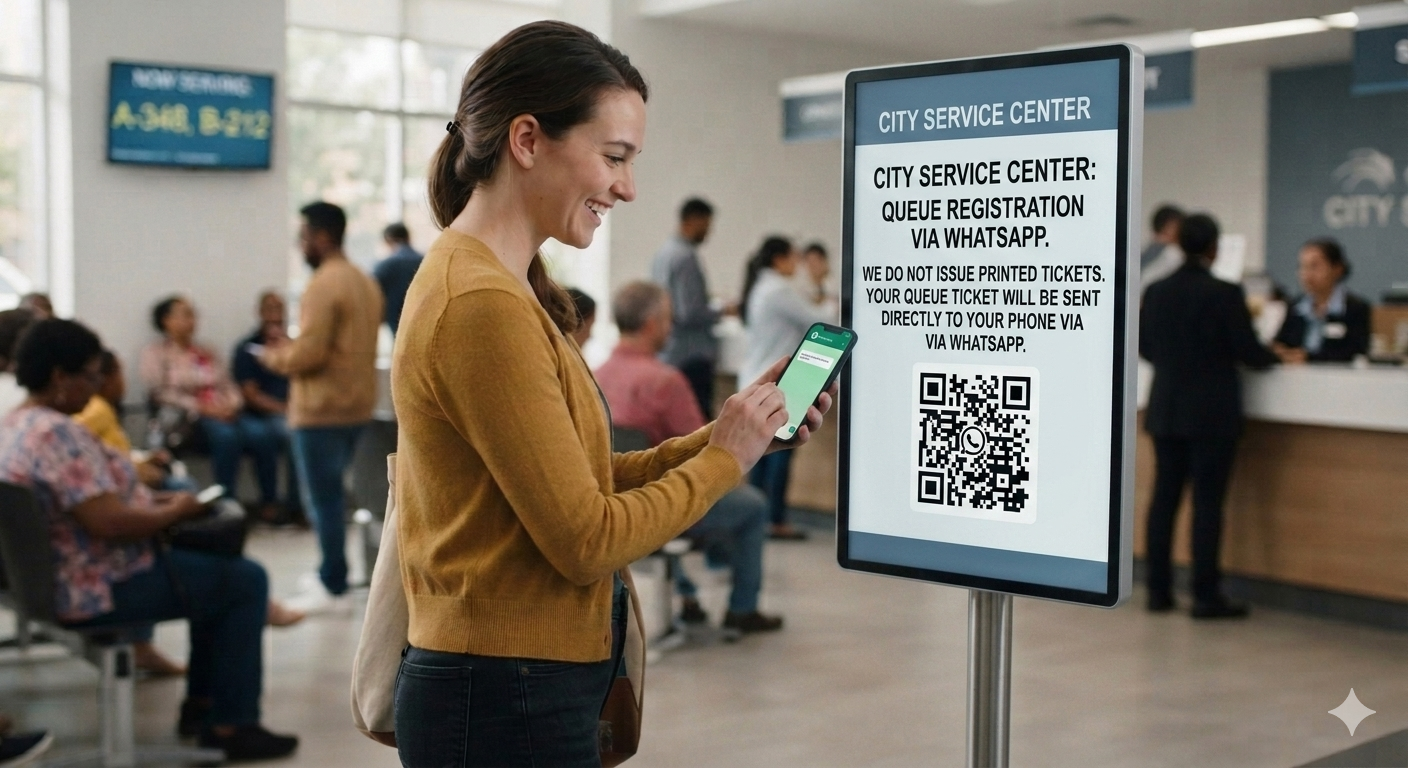
From QR code to "you're next" — all on WhatsApp

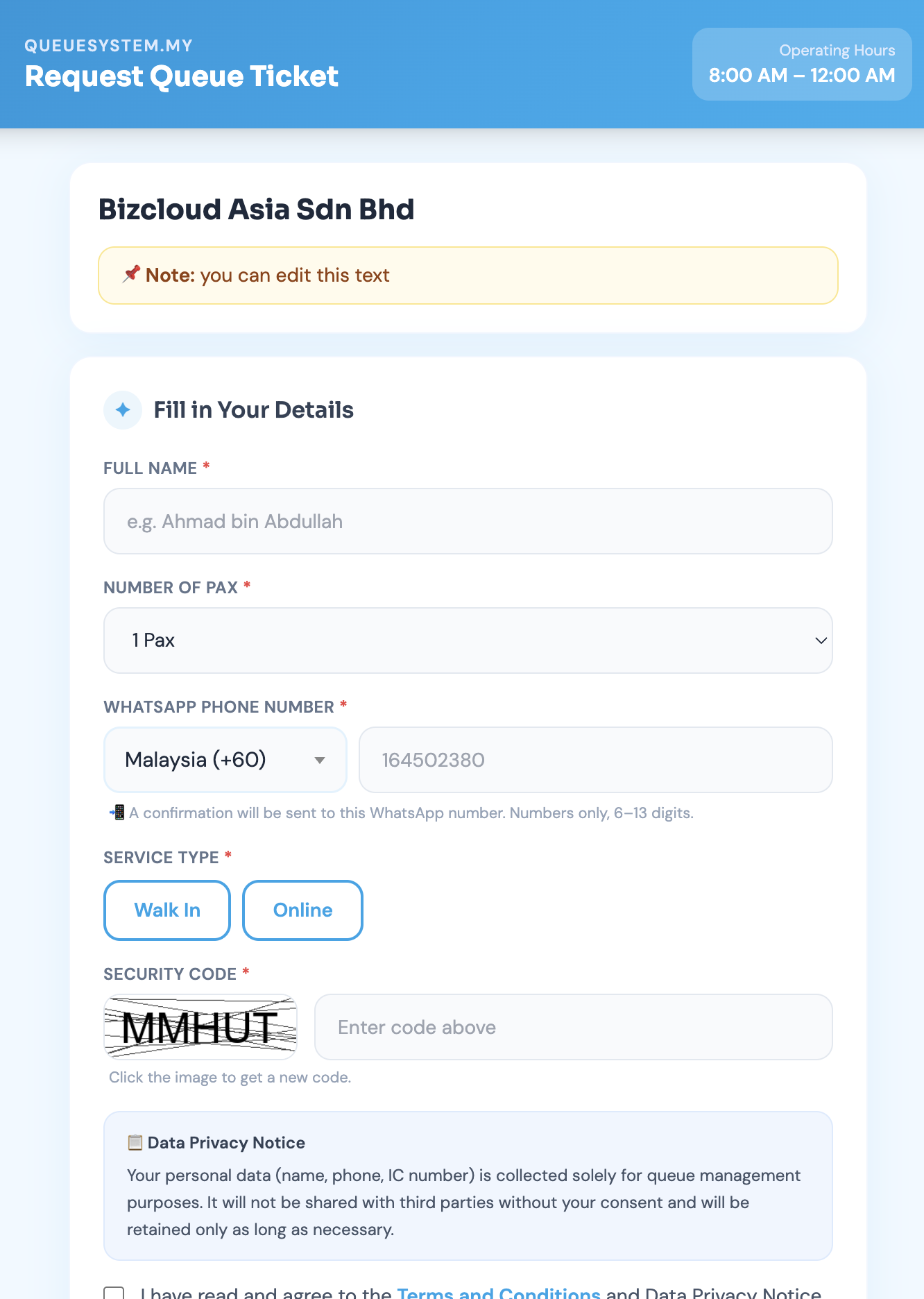
Nothing to install for your customer. They scan, they queue, they get told when it's their turn.

Scan & Access

The same scanner. Two jobs.

A BMO TF device syncs with your company code once, then you choose its mode — event scanner for guests, or badge scanner for staff. Both post their records online, live.

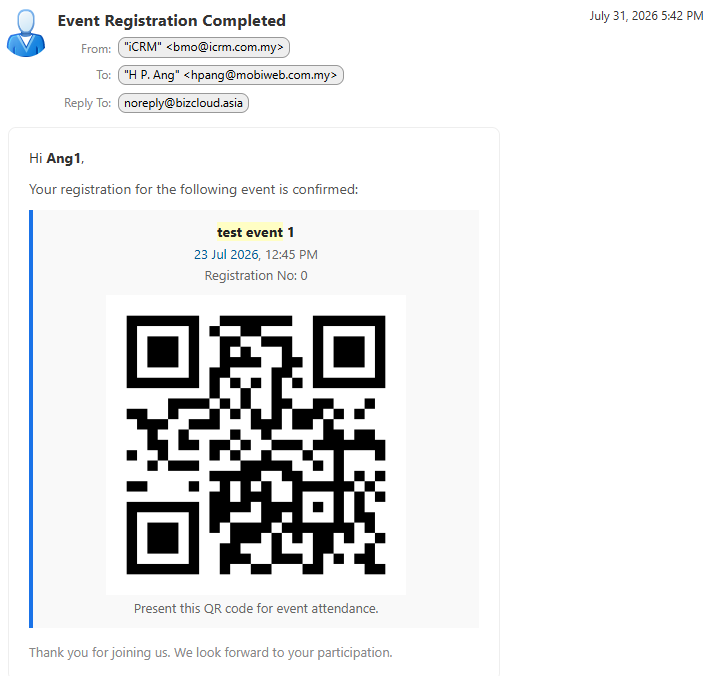
Event registration confirmation email containing the guest QR code for door scanning

Events — register, verify, open the door

Guests register from your event QR and get an entry QR by email once their address is verified. At the door, a BMO TF in event mode or a QTP reads it and the tribar opens.

  • Device set up by scanning one QR code
  • Email verification built into registration
  • Live attendance and participant list online
  • Send reminders to registered guests
Event & door access
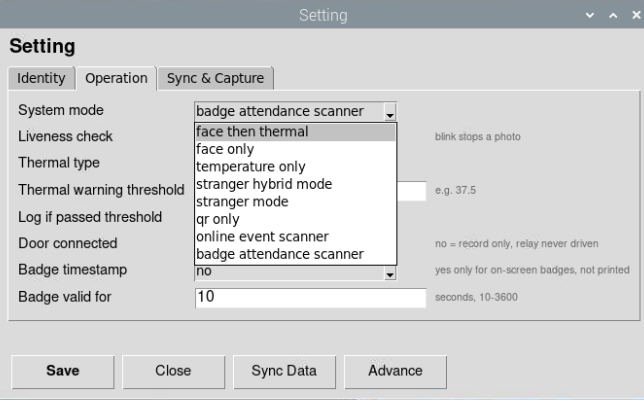
BMO TF device mode selection showing online event scanner and badge attendance scanner options

Attendance — badge in, tribar open

Switch the same device to badge-attendance mode and your staff scan themselves in. Prefer no fixed terminal? Use the Android or iPhone app to scan employee badges instead.

  • Company code, first sync, choose the mode — done
  • Badge scan releases the tribar or door
  • Posted online as daily attendance
  • Attendance reports for HR and payroll
Attendance & tribar
Rental

Need it for three days, not three years?

Rent the same cloud or WhatsApp queue system for an exhibition, roadshow, launch or intake day. Billed for the days you actually use it, live within 24 hours, and there's nothing to return at the end.

  • From one day — event, weekly or monthly terms
  • We configure your counters, QR code and display
  • Convert to a subscription later, setup carries over
Rental options Get a quote
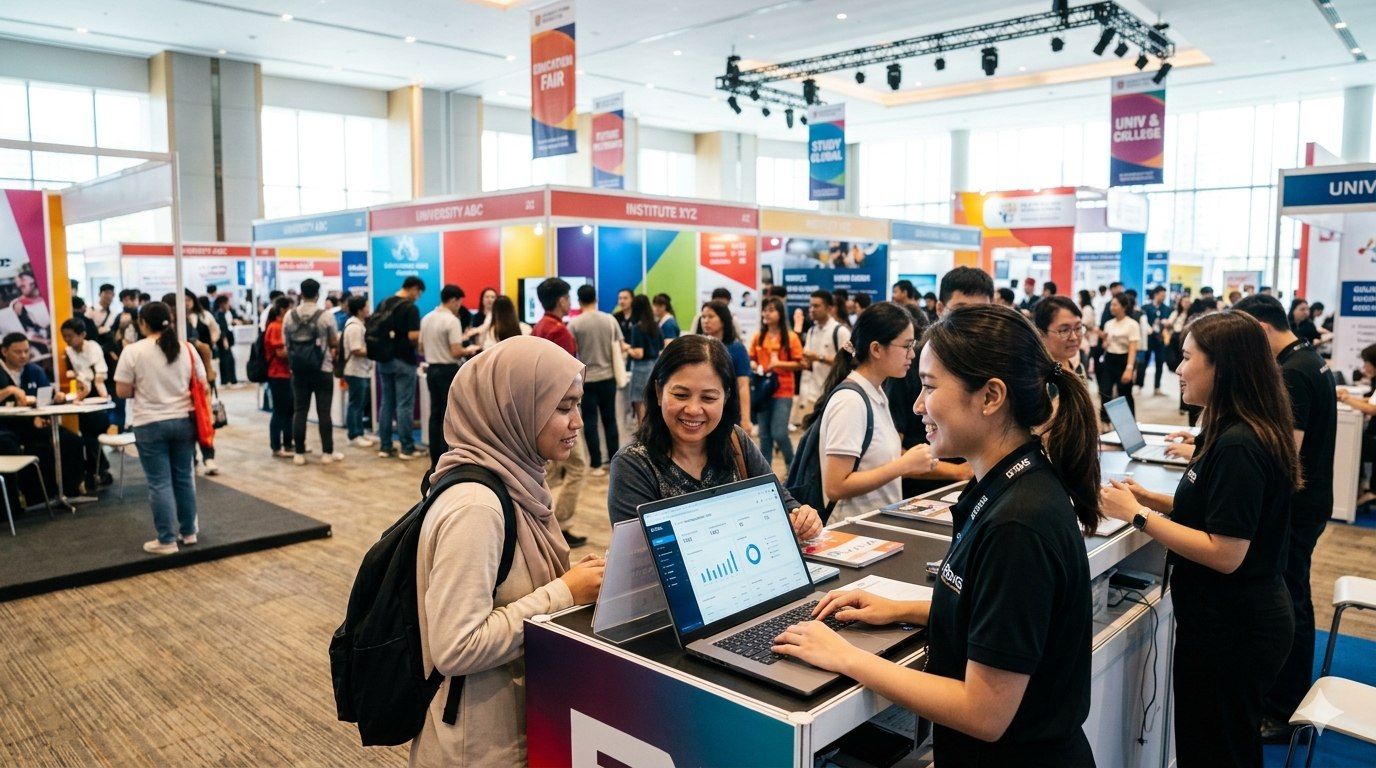
Queue system rented for a busy education fair, with visitors being served at a staffed counter 1–3 days Weekly Monthly
Where It Runs

Installed across Malaysia since 2007

From single-counter clinics to multi-department government offices — the same system scales to fit.

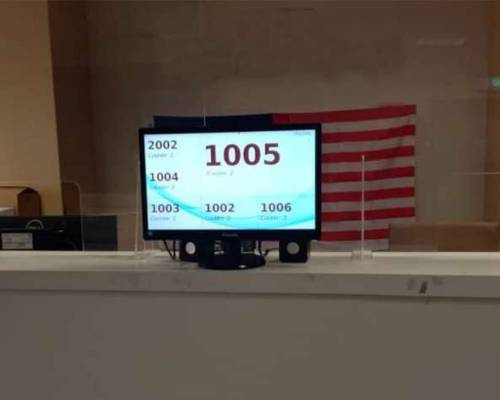
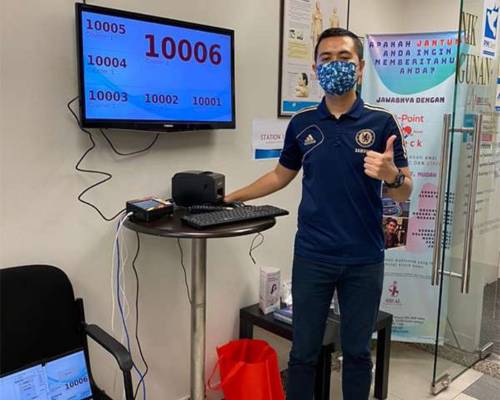
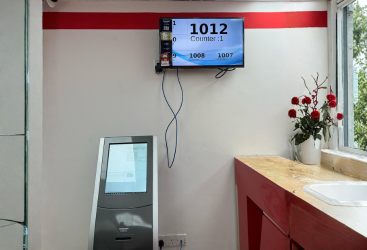
Queue system installed at a government office in Kuala Lumpur, Malaysia
Government Office Kuala Lumpur
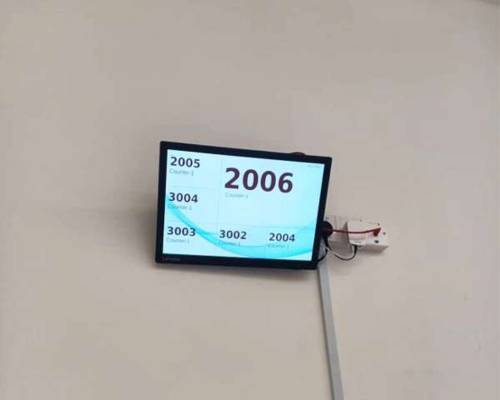
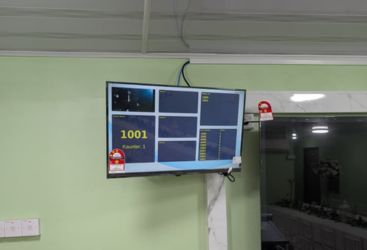
Queue system installed at a syariah court in Johor, Malaysia
Syariah Court Johor
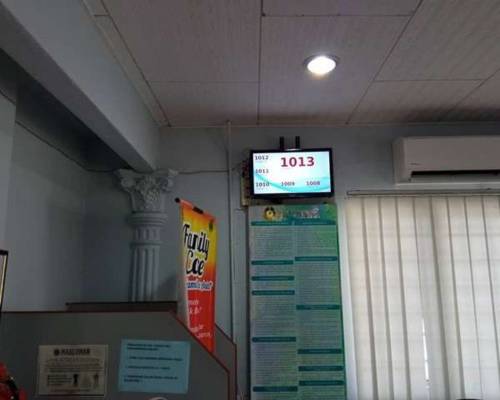
Queue system installed at a pejabat agama islam in Sepang, Malaysia
Pejabat Agama Islam Sepang
Queue system installed at a medical clinic in Kuala Lumpur, Malaysia
Medical Clinic Kuala Lumpur
Queue system installed at a dental clinic in Kedah, Malaysia
Dental Clinic Kedah
Queue system installed at a dental clinic in Sabah, Malaysia
Dental Clinic Sabah
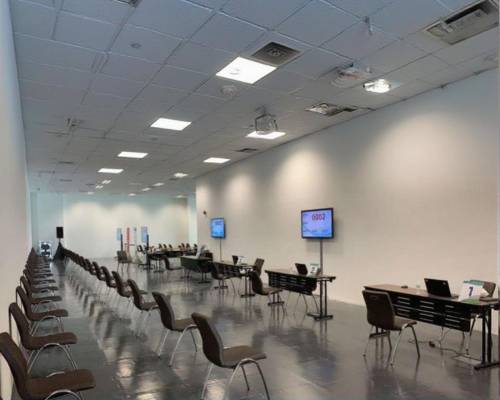
Queue system installed at a ppv vaccine centre in Putrajaya, Malaysia
PPV Vaccine Centre Putrajaya
Queue system installed at a university in Johor, Malaysia
University Johor
Queue system installed at a engineering university in Melaka, Malaysia
Engineering University Melaka
Queue system installed at a car service centre in Nilai, Malaysia
Car Service Centre Nilai
Queue system installed at a telco service centre in Penang, Malaysia
Telco Service Centre Penang
Queue system installed at a manufacturing plant in Sarawak, Malaysia
Manufacturing Plant Sarawak
500+
Installations nationwide
18 yrs
Building queue systems
3
Support offices: KL, PG, JB
4
Qsystem products

Not sure which one you need?

Tell us how many counters you have and how your customers arrive — we'll tell you exactly which Qsystem setup fits, and what it costs. No obligation.