Guests sign themselves up, on their own phone
Publish the registration QR and the work moves to the guest. They scan, fill in a short form, pick a session if there is one, and submit — no app to install, no queue at a desk, and no one transcribing names off a paper list afterwards.
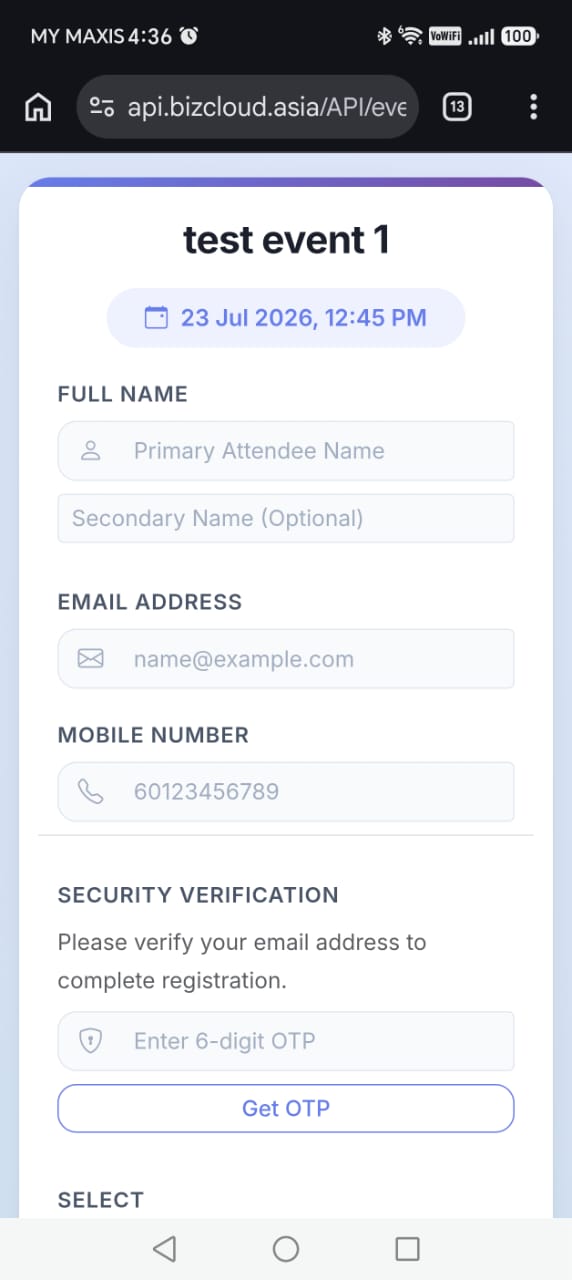
Four things, then they're registered
Scan the QR
From signage, an invitation, a poster or a social post. The form opens in their browser.
Fill in details
Name, email and contact number, plus whatever else your event needs to collect.
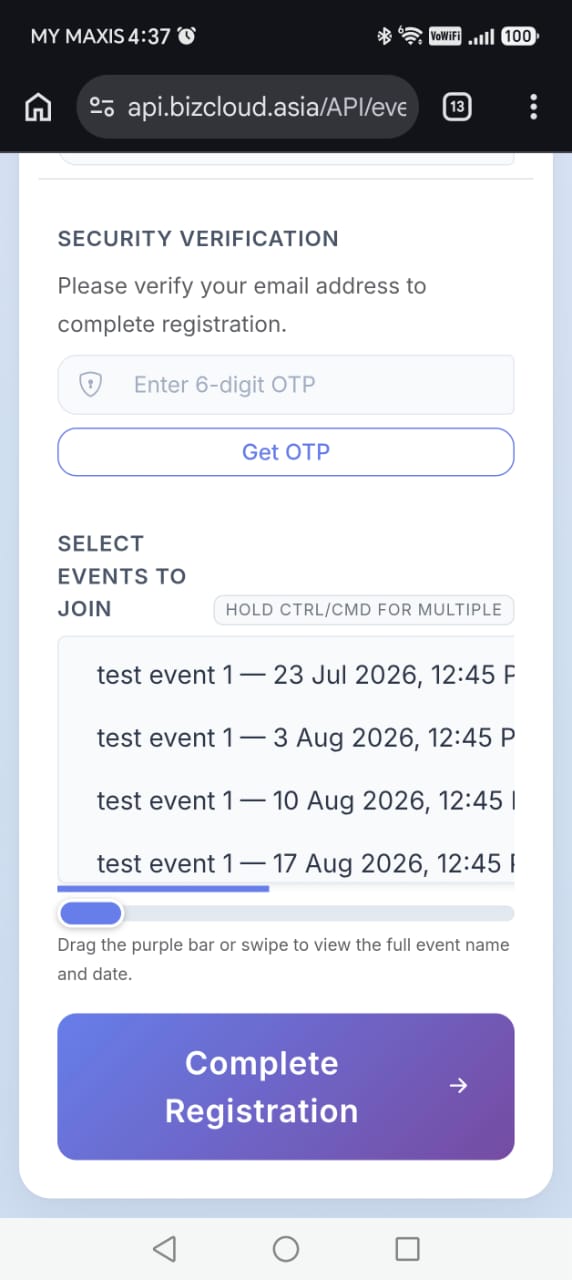
Choose a session
If the event has child sessions, they pick the one they're coming to.
Submit
Their pass is emailed to them, and they appear on your participant list straight away.
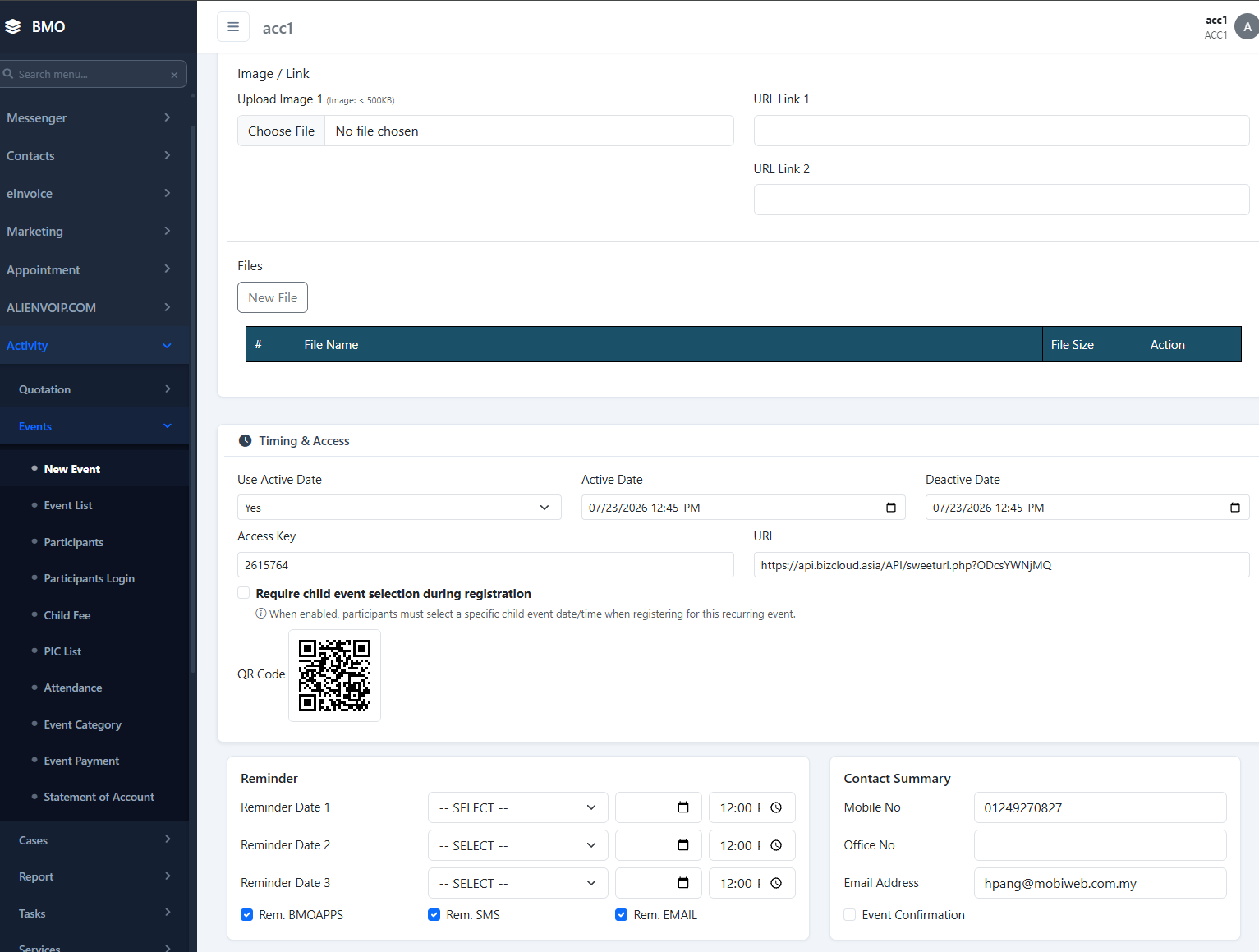
One code, anywhere your guests look
The registration QR is the same for the whole event, so you can put it wherever people will see it — a pull-up banner at the entrance, the invitation email, a slide at the end of a talk, or a social post. Everyone lands on the same form.
- Print it on signage and banners
- Include it in invitations and mailers
- Show it on screen at the venue
- Same code all the way through the event
When the event has parts
A fair with several talks, a training day with streams, a launch with morning and afternoon slots — set those up as child events and the form asks the guest which one they're attending. Their pass is tied to that choice.
- Guest picks their session while registering
- Attendance counted per session, not just per event
- One registration QR still covers everything
The moment they hit submit
Their pass is emailed
A confirmation email goes out carrying the QR code they'll scan at the door. The email address has to be verified.
They join your list
The registration appears on the participant list immediately, with their details and status.
You can remind them
Anyone who registered but hasn't turned up can be sent a reminder from their record.
What do you need to ask your guests?
Tell us the fields your event needs and whether it runs as sessions — we'll set the form up and give you the QR to publish.