Let customers take their own number
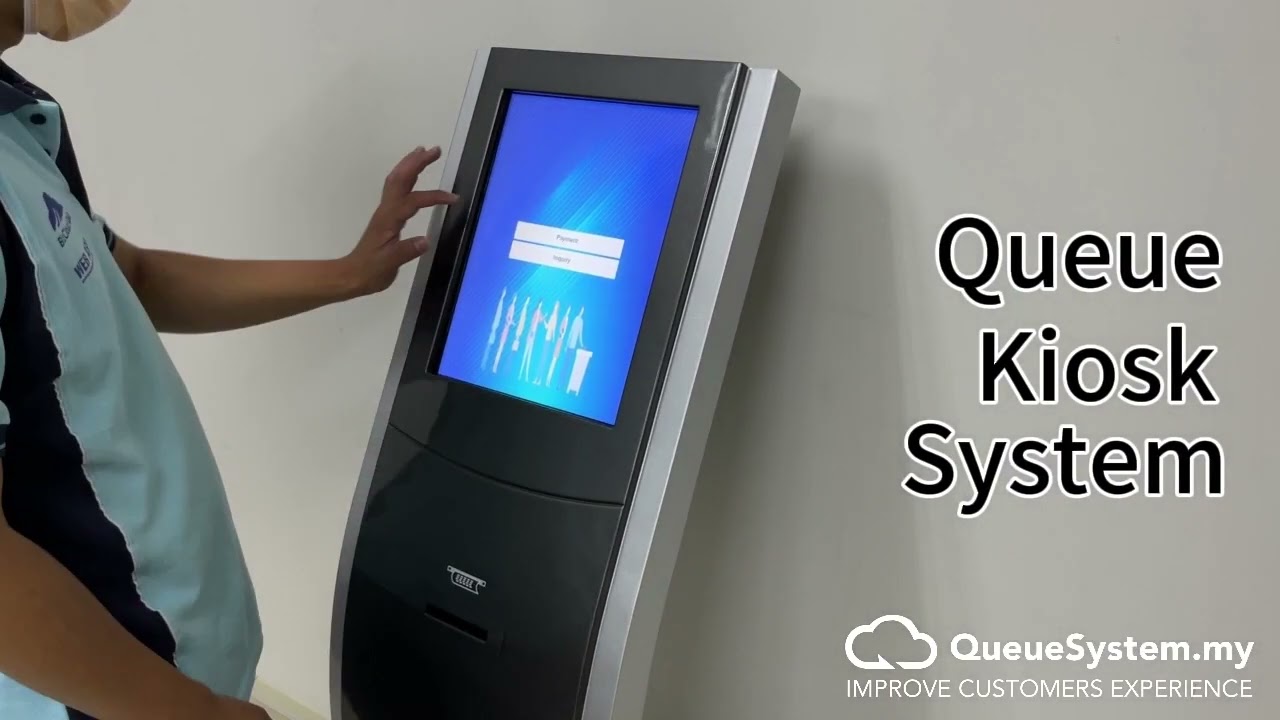
A free-standing kiosk running the Windows BMO ticket generator. The customer walks in, taps the service they need, and the ticket prints in under ten seconds — with nobody standing at the door handing out numbers.

The kiosk in about a minute
A customer walks up, chooses a service, and takes the printed ticket.
Prefer written steps? The hardware setup guide covers the same configuration screen by screen.
A Windows PC, a touchscreen and a thermal printer
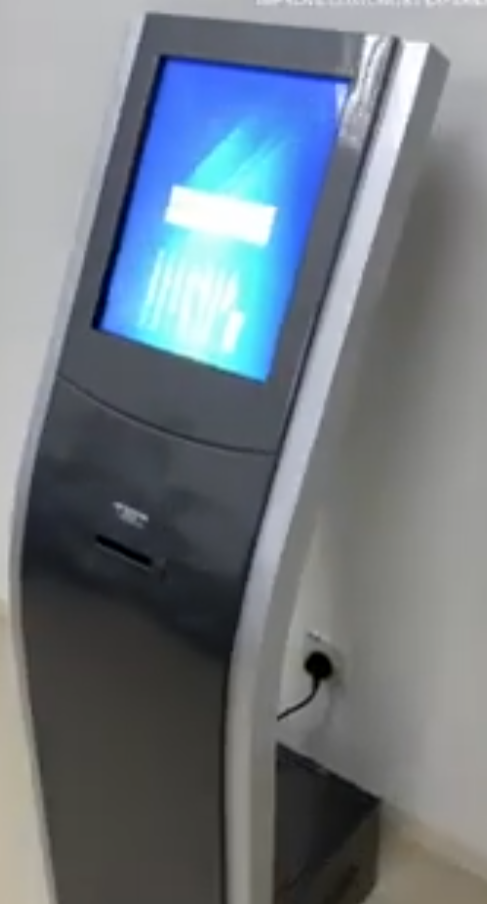
The kiosk is a floor-standing enclosure running the BMO ticket generator on Windows. That matters: it is ordinary, serviceable hardware, and the software is the same one your Queue Manager already talks to. Service buttons, ticket layout and branding are all configured in the generator.
- Windows BMO ticket generator drives the screen and printer
- Connects to your Queue Manager over the network
- Shares one numbering pool with every other ticket source
- Ticket prints on 80mm thermal paper with an auto-cutter
Your services, in your words
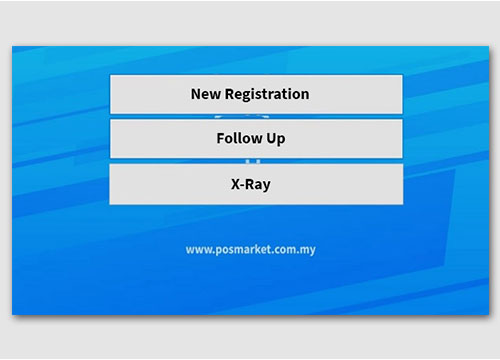
Each button is one service — Deposit, Payment, Collection, whatever your counters actually do — and each gets its own number series. Add your logo and colours so the kiosk looks like part of your lobby rather than a piece of borrowed equipment.
- As many service buttons as you have services
- Custom branding — logo, colours, service names
- Multi-language support available
- Numbers reset automatically every day
Three ways to put a kiosk in your lobby
From a compact counter-top unit to a fully branded floor kiosk with the whole system behind it.
QTP-150 Kiosk
- Touchscreen all-in-one design
- Works as a number or ticket printer
- Programmable service buttons
- Multiple ticket layout templates
- WiFi wireless connectivity
- Simple setup, easy to use
Custom Kiosk
- Large touchscreen display
- Integrated thermal ticket printing
- Branded interface & colour scheme
- Multi-language support available
- Advanced service routing
- Custom hardware configuration
Complete Kiosk Package
- All-in-one queue kiosk with touchscreen
- Queue Manager software licence
- All-in-one kiosk server
- QD-100 queue display (adapter + cable)
- Complete setup & installation
- Staff training included
| QTP-150 | Floor kiosk | |
|---|---|---|
| Where it sits | On the counter | Free-standing in the lobby |
| Runs | Built-in QTP software | Windows BMO ticket generator |
| Screen size | Compact touchscreen | Large touchscreen |
| Branding | Service names & ticket layout | Full interface, colours and logo |
| Works standalone | Yes — no server needed | Needs the Queue Manager |
| From | RM 3,599 | RM 5,899 |
Built for a public lobby
Touchscreen interface
Large targets and plain wording, so it works for every age group without anyone explaining it.
Instant thermal printing
The ticket prints and cuts itself in about a second. No ribbon, no ink, no cartridges to buy.
Configurable service buttons
One button per service, each with its own number series. Change them without touching the hardware.
Works with your system
Feeds the on-premise Queue Manager, and sits happily alongside the cloud and WhatsApp systems.
Custom branding
Your logo, your colours, your service names — so it looks like it belongs in your lobby.
Multi-language
Offer the interface in more than one language where your visitors need it.
Best where the door is busy
A kiosk earns its place when enough people arrive that greeting each one by hand stops being practical.
Put a kiosk at your door
Tell us the size of your lobby and how many services you offer. We'll recommend the right kiosk, quote it, and install it on site across Malaysia and Singapore.