One Windows PC holds the whole queue database
Install WAMP on a single Windows machine and that's your database server. Every ticket, every call, every report lives on hardware you own, in a room you control — and it keeps working when the internet doesn't.
Sometimes optional, sometimes not
It comes down to what is running your counters. This is the single most common surprise in a queue system quotation, so it's worth being clear.
Windows-only setup
If every counter runs the Windows Queue Manager, it can hold the database itself in stand-alone mode. No separate server, nothing extra to buy or maintain — the right answer for a single-counter clinic or shop.
- Queue Manager keeps its own data
- Fewest moving parts
- Fastest to install
Tablets, the app, or the web manager
The moment a counter runs on an Android tablet through the BMO App, or staff work the queue in a browser, those clients need a shared database to talk to. A MySQL server becomes a requirement, not a nice-to-have.
- Required for tablet and app-based counters
- Required for the web queue manager
- Required when several counters share one queue
- Can still sit on an existing machine
Tablet counters look like the cheap option until the database server appears in the quotation. It doesn't need to be a new machine — it can share the PC that already runs a Windows Queue Manager — but it does need to exist somewhere.
Four steps, done during installation
You don't do any of this yourself — our engineers set it up on site.
Pick the machine
One ordinary Windows PC. It can be a dedicated box, or the same one running a Queue Manager.
Install WAMP
WAMP brings MySQL and phpMyAdmin together in one install, so the database and its admin tool arrive at once.
Create the database
We create the queue database and its user account, then confirm it responds before anything else is connected.
Point the clients at it
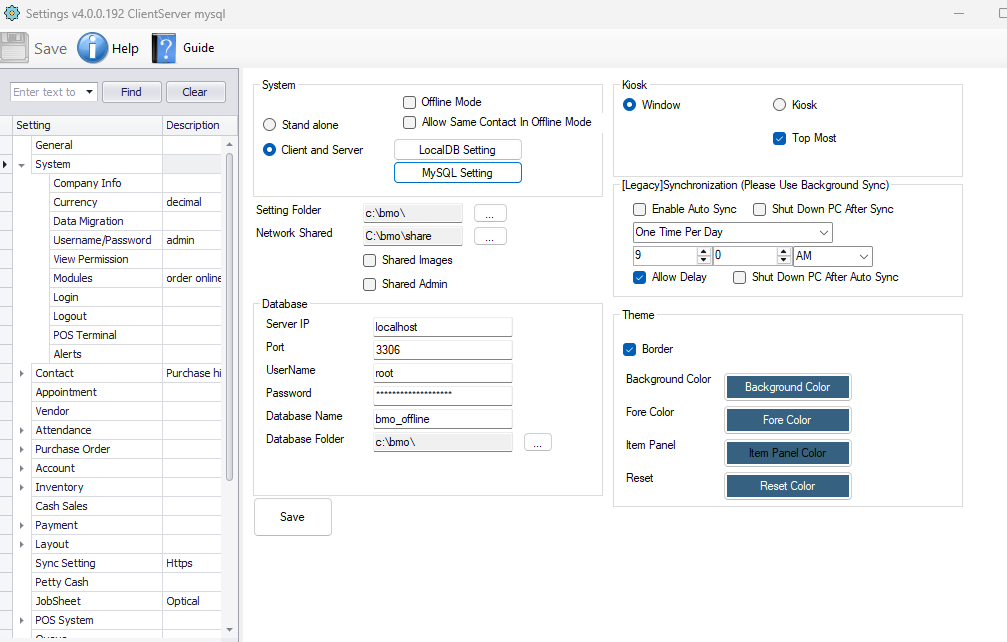
Each Queue Manager, tablet and web counter is given the server address and the database name. That's the whole connection.
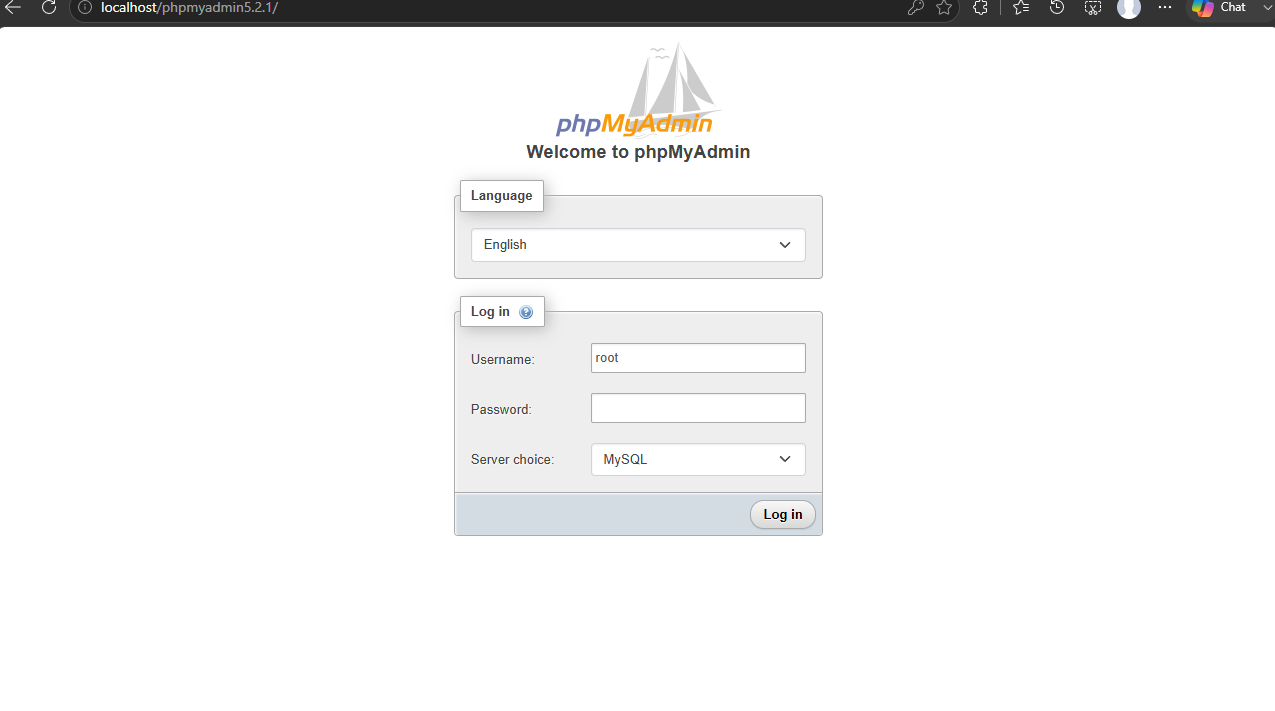
phpMyAdmin comes with it
WAMP installs phpMyAdmin alongside MySQL, so the database has a proper web interface from day one. Open it in a browser on the server and you can confirm the service is running, check the queue tables, and take a backup — without anyone needing a command line.
- Browser-based, on the server itself
- Confirm at a glance that MySQL is up
- Export a backup of the queue database
- Your own database user and password, set at installation
Its own machine, or sharing one
Sharing a Queue Manager PC
The database sits on the same Windows machine that runs a Queue Manager. One less box to buy, power and look after — and for most small and mid-sized sites, plenty.
- No extra hardware
- Common for a handful of counters
- Can be split out later if you grow
Its own dedicated machine
A separate WAMP box does nothing but hold the data. Worth it when you have many counters, a web queue manager serving several clients, or a policy that keeps the database apart.
- Counters can restart without touching the data
- Better for larger or multi-department sites
- Suits the web queue manager setup
What it takes
| Item | Detail |
|---|---|
| Machine | One Windows PC on your network |
| Software | WAMP, which installs MySQL and phpMyAdmin together |
| Optional when | Every counter runs the Windows Queue Manager in stand-alone mode |
| Required when | Tablets, the BMO App, or the web queue manager are used |
| Placement | Its own machine, or shared with a Queue Manager PC |
| Connection | Clients are given the server address, database name and their own user account |
| Administration | phpMyAdmin in a browser on the server |
| Network | Local network only — no internet connection required |
| Setup | Installed and configured by our engineers, across Malaysia and Singapore |
The data never leaves the building
Because the database is a machine you own, your queue records stay inside your own network. For a government counter, a clinic or anyone with data-residency rules, that settles the question before it is asked — there is no cloud to explain.
- Records stored on hardware you own
- Nothing sent outside your network
- Keeps serving during an internet outage
- Backups are yours to take and keep
Not sure whether you need a separate server?
Tell us how many counters you have and whether any of them will be tablets or browsers. We'll tell you straight away, and quote it either way.